How Creators Can Turn Long-form Narration Into Short Video Clips
Many creators do not struggle because they lack ideas. They struggle because each idea is used only once.
A script becomes one video. A lesson becomes one recording. A story becomes one long narration. A product explanation becomes one tutorial. After publishing, the creator moves on and starts from zero again. This is inefficient, especially when the original content already contains multiple useful moments that could work as standalone clips.
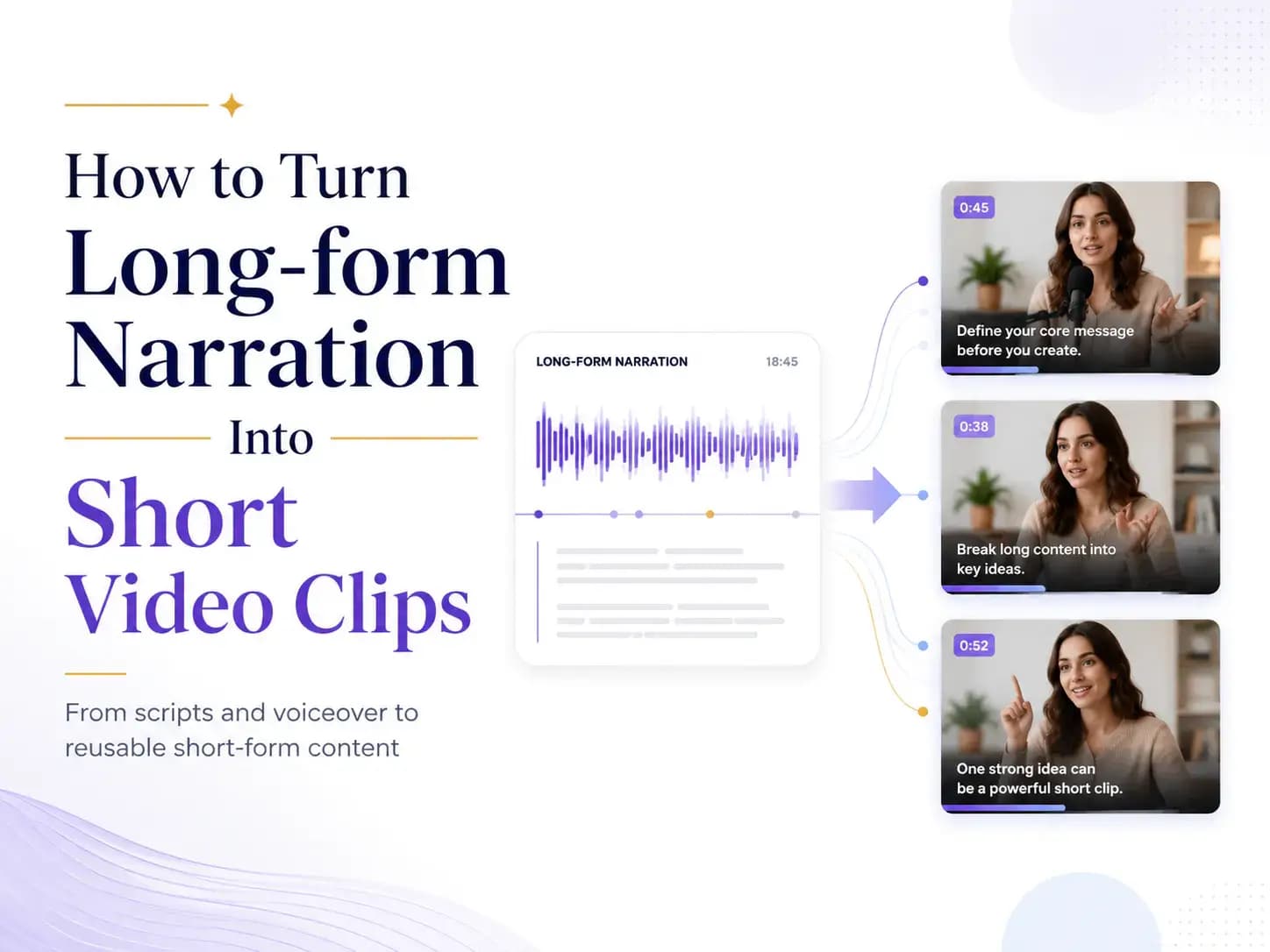
Long-form narration is one of the easiest content formats to repurpose. A five-minute narration may contain several short ideas, hooks, lessons, emotional beats, or quotable moments. If it is paired with simple visuals and exported as a base video, it can later be trimmed into multiple short clips for YouTube Shorts, TikTok, Instagram Reels, LinkedIn, course previews, or social media posts.
The goal is not to make editing more complicated. The goal is to design a simple workflow where one piece of narration becomes a reusable video asset.
Why Narration Is a Strong Source for Short Clips
Short-form video often looks visual-first, but many strong clips are actually built around audio. A useful explanation, a surprising sentence, a dramatic story moment, or a clear spoken takeaway can hold attention even when the visuals are simple.
This is why narration works well as source material. It already gives the clip a voice, a rhythm, and a message. Once the audio is strong, the visual layer can be relatively lightweight: subtitles, a waveform, a cover image, a simple background, screenshots, slides, stock footage, or a few supporting graphics.
This is especially useful for creators who do not want to appear on camera every time. Educational creators can turn lesson summaries into short teaching clips. Story creators can turn narration into suspenseful moments. Course creators can turn one explanation into several previews. Product creators can turn a longer walkthrough into short feature highlights. Writers and newsletter creators can turn essays into spoken ideas that travel better on social platforms.
The important point is that narration should not be treated only as the final output. It can become the base layer for a larger repurposing workflow.
Start With a Script That Can Be Repurposed
The quality of the final clips depends heavily on the structure of the original script. If the narration is vague, slow, or unfocused, cutting it into shorter pieces will not solve the problem. A video cutter can help you extract moments, but it cannot create strong moments that were never in the source.
Before creating narration, it helps to write with future clips in mind. This does not mean making the script sound artificial. It simply means giving the content natural sections. Each section should carry one clear idea, one story beat, one question, or one useful takeaway.
For example, a weak narration script might spend the first minute slowly introducing a topic. A stronger script might open with a clear tension: “Most creators do not need more ideas. They need a better way to reuse the ideas they already have.” That sentence can work in a long-form narration, but it can also stand alone as the opening of a short clip.
The same principle applies to educational content, story narration, tutorials, and product explanations. If every 30–60 seconds contains a clear point, the later editing process becomes much easier. You are no longer hunting randomly through the video. You are choosing from moments that were intentionally structured.
Turn the Script Into Narration Audio
Once the script is clear, the next step is turning it into narration. Some creators record their own voice, especially when the content depends on personality or trust. Others use AI narration when they need to produce more content, test ideas faster, or create voiceovers for faceless videos.
If you already have a script, story, lesson, chapter excerpt, or educational text, a tool like Audiobook Generator can help turn it into audiobook-style narration that can later be paired with visuals, captions, and simple video layouts.
This step matters because the narration becomes the backbone of every later clip. If the audio is hard to follow, too slow, too flat, or too dense, the short clips will inherit those problems. That is why it is usually better to test a short preview before producing the full narration. A 30-second sample can reveal whether the hook works, whether the pacing feels natural, and whether the text actually sounds good when spoken aloud.
Many creators make the mistake of treating audio generation as a one-click final step. A better approach is to use narration as a testable draft. Listen first, revise the script if needed, and only then build the longer video asset.
Build a Simple Base Video
After the narration is ready, the next step is to create a base video. This base video does not need to be heavily edited. Its purpose is to combine the narration with enough visual structure that it can be published as long-form content or cut into shorter clips later.
For a story narration, the base video might use a cover image, subtitles, and subtle motion. For an educational explanation, it might use slides or text cards. For a software tutorial, it might use screen recordings and voiceover. For a podcast-style clip, it might use a waveform, speaker name, and captions.
The best base video is simple but organized. It should have clean audio, readable captions, clear section breaks, and visuals that do not distract from the message. If the final clips will be used on mobile platforms, captions should be large enough to read quickly. If the video is mostly narration-based, the first visual frame should still give the viewer a reason to stop scrolling.
Think of the base video as your source file. The cleaner it is, the easier it becomes to cut multiple clips from it.
Cut the Strongest Moments Into Clips
Once the base video is ready, the editing task becomes much simpler: find the strongest moments and cut them out.
This is where an online video cutter fits naturally into the workflow. Instead of opening a full editing suite just to trim a short segment, creators can upload a video, choose a start and end point, preview the section, and export a focused clip. This is especially useful when the goal is not complex editing, but fast extraction of highlights, social clips, lesson previews, or short narration segments.
The best clips usually do not start at the beginning of a section. They start at the moment the idea becomes interesting. If the long-form narration says, “In this part, I want to explain why most creators waste content,” the clip should probably begin a few seconds later with the stronger line: “Most creators waste content because they publish every idea only once.”
Good clipping is often about cutting closer to the point. Remove slow introductions, unnecessary context, and weak transitions. Keep the moment where the viewer immediately understands why they should keep watching.
A strong short clip should usually have one clear idea. It might explain one concept, show one mistake, deliver one quote, introduce one story conflict, or answer one common question. If a clip tries to do too much, it becomes hard to follow. If it does only one thing well, it becomes much more shareable.
What Makes a Clip Worth Publishing
Not every piece of long-form narration deserves to become a short video. Some parts are necessary in the full version but too dependent on context to work alone. Others may be clear but not interesting enough for social platforms.
A strong clip usually has three qualities: a fast opening, a self-contained idea, and a clean ending.
The opening matters because short-form platforms reward immediate clarity. A clip should not spend the first five seconds preparing to say something. It should begin with a question, a strong claim, a useful tip, a conflict, or a line that creates curiosity.
The idea should be narrow enough to understand quickly. A 30-second clip cannot carry an entire framework. It can carry one insight from that framework. For example, instead of trying to explain a full creator workflow, one clip could focus only on why narration should be tested before turning it into video.
The ending should feel intentional. Educational clips can end with a takeaway. Story clips can end with tension. Product clips can end with a next step. Commentary clips can end with a memorable sentence. A weak ending makes the clip feel like a random cut. A strong ending makes it feel designed.
A Practical Workflow From Script to Clips
A simple creator workflow can look like this.
Start with one source idea: a script, lesson, story, product explanation, chapter excerpt, or commentary piece. Rewrite it for spoken narration, making sure each section has a clear point and that the opening lines are strong enough to hold attention.
Next, generate or record a short narration preview. Listen carefully before producing the full version. If the pacing feels slow or the idea sounds unclear, revise the text. This step is important because spoken content often reveals problems that were not obvious on the page.
After the narration works, create a simple base video using visuals that fit the content. Add captions if the video is intended for social platforms. Keep the layout clean and reusable.
Then cut the video into short clips. Choose moments that can stand alone, not just moments that sound good inside the full video. Export several clips from the same source and test different angles: one quote, one tip, one mistake, one story moment, one practical takeaway.
Finally, publish and learn from the results. The clips that receive comments, saves, profile visits, or clicks can tell you which parts of the original idea are most interesting to your audience. That feedback can shape your next script.
Example: One Narration, Multiple Clips
Imagine a creator records a five-minute narration about how to write stronger story openings. The full narration includes several sections: why slow openings lose attention, how to start with pressure, why backstory should come later, how dialogue can create tension faster than description, and what a better opening looks like.
That one narration can become several short clips.
One clip might open with: “Most story openings fail because nothing is happening yet.” Another might focus on the idea that a strong opening does not need explosions, only pressure. A third might compare a weak opening with a stronger rewritten version. A fourth might explain why dialogue can create tension faster than description.
The creator does not need to invent four new topics. The original narration already contained the material. The work is simply to identify the strongest moments and cut them into focused clips.
This is the value of treating narration as source material instead of a one-time output.
Common Mistakes to Avoid
The most common mistake is cutting clips from content that was never structured for clipping. If a narration takes too long to reach the point, every clip will feel slow. If the script has no strong lines, the editor has very little to work with.
Another mistake is keeping too much context. Short clips do not need every setup sentence from the full video. They need enough context to make sense and enough momentum to keep attention. In many cases, the strongest clip begins later than the creator expects.
Creators should also avoid relying on visuals to rescue weak audio. In narration-based clips, the audio carries the message. If the voiceover is unclear, too dense, or poorly paced, better graphics will only help a little.
Finally, do not assume every short clip needs to be highly produced. Many effective clips are simple. Clear narration, readable captions, and a focused idea are often more important than complex editing.
Keep Rights and Permissions in Mind
Repurposing should still be responsible. Creators should only use scripts, audio, visuals, footage, and source materials they own, created themselves, licensed properly, or have permission to use.
This is especially important when working with book excerpts, podcast recordings, music, course materials, interviews, third-party videos, or copyrighted images. A fast workflow is useful, but it should not encourage creators to reuse material they do not have the right to repurpose.
The safest starting point is original writing, original narration, licensed media, public-domain materials, or content created specifically for the project.
Final Thoughts
Long-form narration can do more than fill one video. When it is planned well, it becomes a source asset for many short-form pieces.
A script can become narration. Narration can become a base video. A base video can become multiple short clips. Those clips can become social posts, previews, lessons, story hooks, or audience tests.
The workflow is not complicated, but it does require intention. Write with future clips in mind. Test the narration before producing too much. Build a clean base video. Cut the strongest moments, not just the easiest ones. Then publish and learn from what your audience actually responds to.
For creators, the advantage is not just saving time. It is getting more value from every idea they already have.